MikroTik tools

Pipsqueeze.
WireGuard for MikroTik routers — like Tailscale, but yours.
- Status
- Paused Not running
- Stack
- Licence
- MIT
- Last update
- Oct 2026
- Source
- Source on GitHub
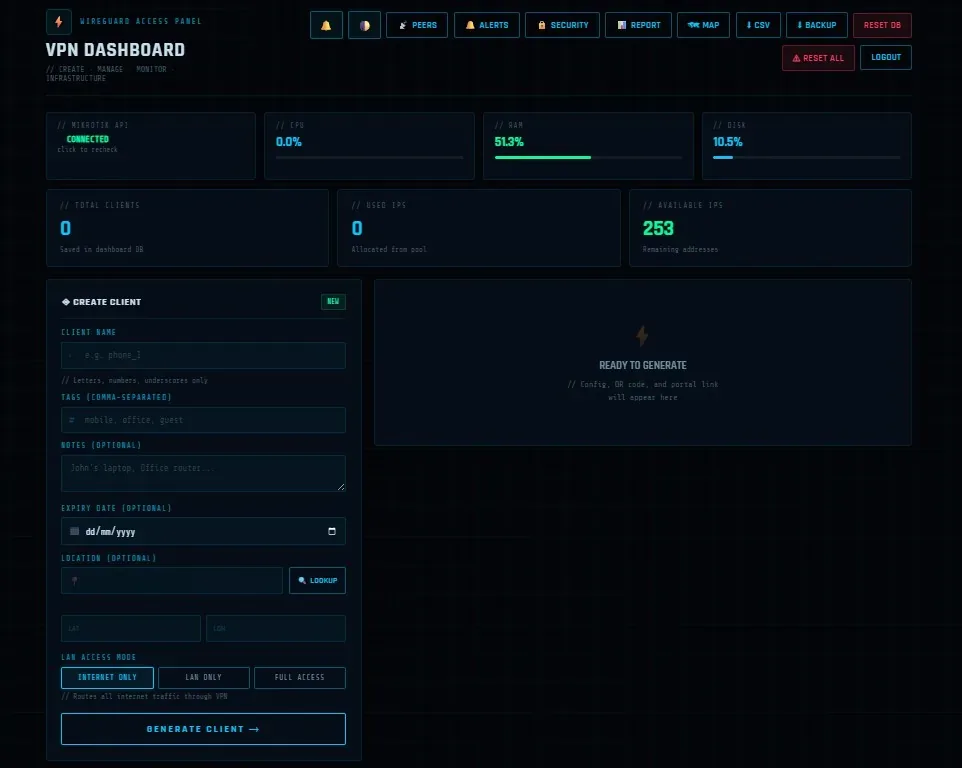
Manage WireGuard peers on a MikroTik router from the browser — configs, QR codes, quotas and a self-serve client portal.
Why I built it
Tailscale-style convenience for a VPN you fully own: create and manage WireGuard clients on a MikroTik router from the browser.
What it does
- Client management — create a client and get its config and QR code instantly; enable, disable, rename, clone and expire clients in bulk.
- Three access modes — internet only, LAN only, or full access.
- Self-serve portal — clients download their own config from a private link, or a one-time link creates a new client on first visit.
- Quotas and monitoring — per-client bandwidth limits, live status, latency and uptime history, and a map of client locations.
Engineering decisions
- Straight to the router’s API — Pipsqueeze talks to the router over its API, so managing clients never needs SSH or the router’s own UI.
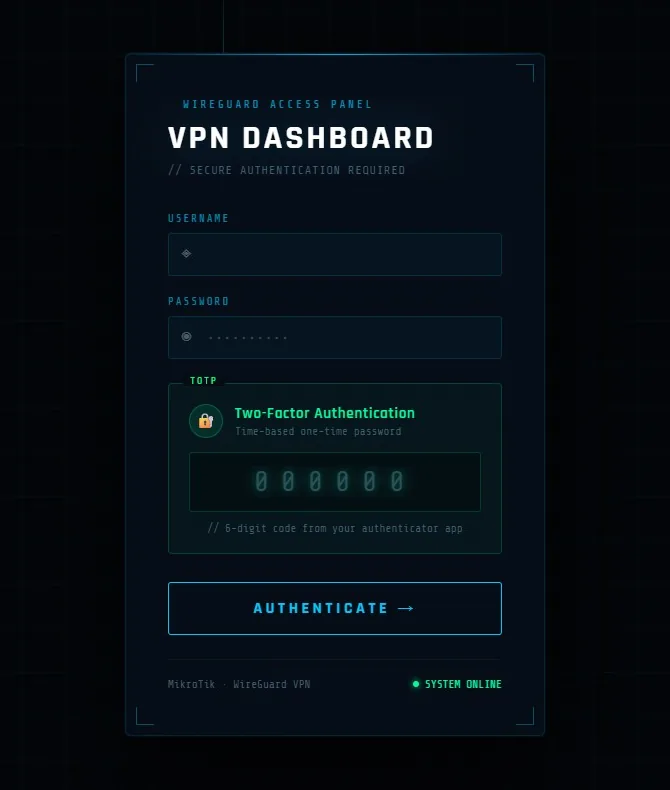
- Secure by default — two-factor login, CSRF protection and encrypted secrets at rest.
Pipsqueeze is paused at the moment; the code and docs are on GitHub.
More screenshots